How to Secure Your Network Infrastructure
Network security has become one of the most critical concerns for organizations of all sizes. With cyber threats evolving daily and attackers becoming increasingly sophisticated, securing your network infrastructure is no longer optional—it’s essential. Whether you’re managing a small business network or overseeing enterprise infrastructure, implementing robust security measures protects your data, systems, and reputation.
This comprehensive guide walks you through practical steps to secure your network infrastructure, from fundamental concepts to advanced protection strategies.
Table of Contents
- Understanding Network Infrastructure Security
- Implement Network Segmentation
- Configure Firewalls Properly
- Establish Strong Access Control
- Use Encryption Everywhere
- Monitor and Audit Network Activity
- Keep Systems Updated
- Deploy Intrusion Detection Systems
- Additional Security Best Practices
Understanding Network Infrastructure Security
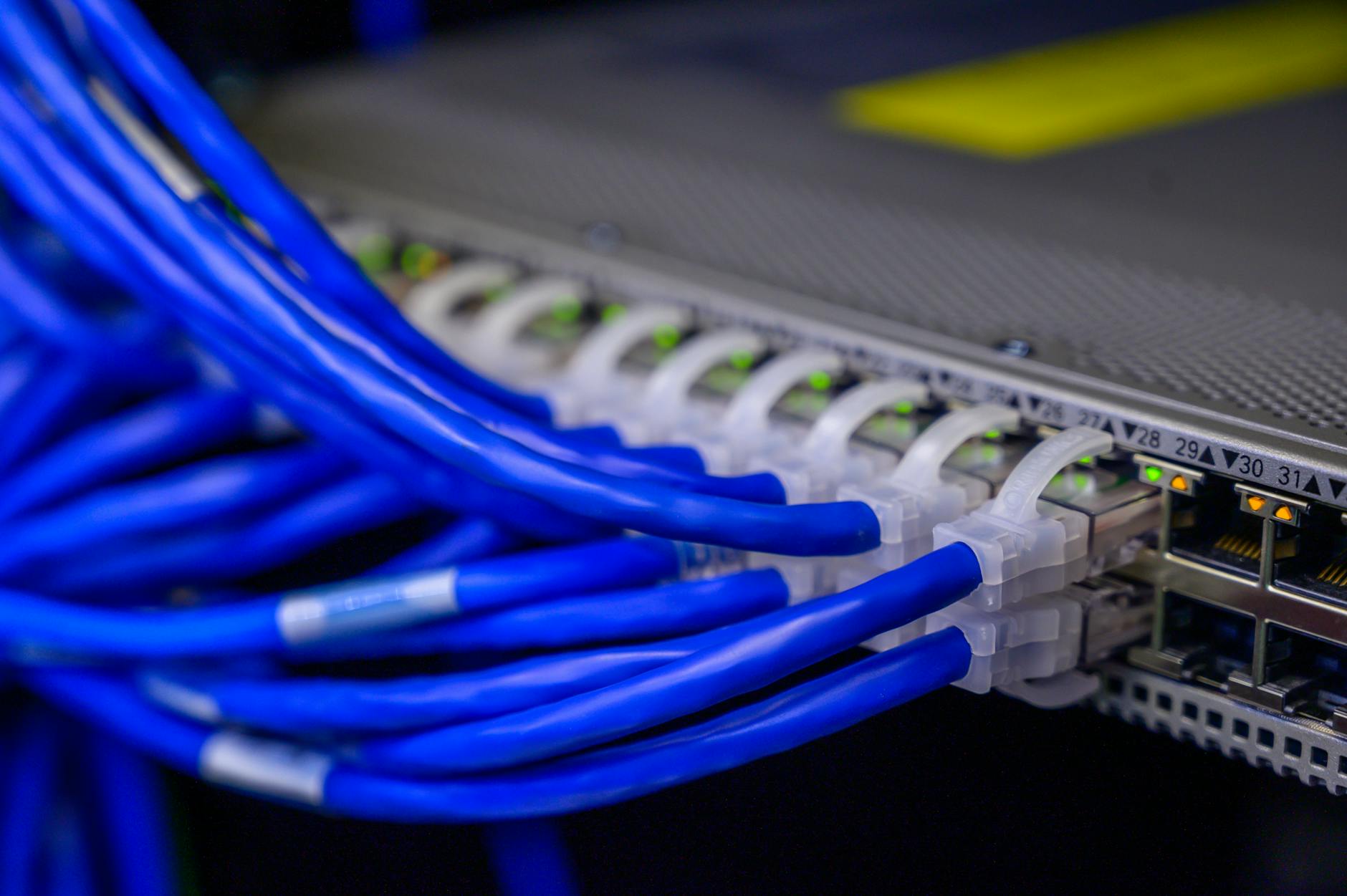
Network infrastructure security involves protecting the underlying hardware, software, and connectivity components that enable communication between devices. This includes routers, switches, firewalls, servers, access points, and the connections between them.
A secure network infrastructure creates multiple layers of defense, often called “defense in depth.” This approach ensures that if one security measure fails, others remain in place to protect your assets. The goal is to prevent unauthorized access, detect suspicious activity, and respond quickly to security incidents.
Implement Network Segmentation
Network segmentation divides your network into smaller, isolated sections, limiting the potential damage from security breaches. When attackers gain access to one segment, they cannot automatically access others.
Creating Effective Segments
Start by identifying different types of network traffic and users. Separate your network into segments such as:
- Guest networks for visitors
- Employee workstation networks
- Server and data center networks
- IoT and smart device networks
- Management networks for administrative access
Use VLANs (Virtual Local Area Networks) to create logical separations. Configure your switches to assign specific ports or devices to designated VLANs:
interface GigabitEthernet0/1
 switchport mode access
 switchport access vlan 10
 description Employee Network
Configure Firewalls Properly
Firewalls serve as gatekeepers between network segments and the internet. Proper firewall configuration is fundamental to network security.
Firewall Rules Best Practices
Apply the principle of least privilege when creating firewall rules. Start with a default-deny policy, then explicitly allow only necessary traffic. Review and document all rules regularly, removing unnecessary permissions.
For Linux systems using iptables, a basic secure configuration might include:
iptables -P INPUT DROP
iptables -P FORWARD DROP
iptables -P OUTPUT ACCEPT
iptables -A INPUT -m state --state ESTABLISHED,RELATED -j ACCEPT
iptables -A INPUT -i lo -j ACCEPT
iptables -A INPUT -p tcp --dport 22 -s 192.168.1.0/24 -j ACCEPT
This configuration blocks all incoming traffic by default, allows established connections, permits local traffic, and restricts SSH access to a specific subnet.
Establish Strong Access Control
Controlling who can access your network and what they can do is critical. Implement multi-factor authentication (MFA) for all administrative access and encourage it for regular users.
Role-Based Access Control
Create user groups with specific permissions based on job responsibilities. Network administrators need different access than regular employees. Regularly audit user accounts and remove access for departed employees immediately.
Consider implementing 802.1X port-based network access control, which authenticates devices before granting network access. This prevents unauthorized devices from connecting to your network infrastructure.
Use Encryption Everywhere
Encryption protects data in transit and at rest, making it unreadable to unauthorized parties. Implement encryption at multiple levels throughout your infrastructure.
Secure Communication Channels
Replace outdated protocols with secure alternatives. Use SSH instead of Telnet, HTTPS instead of HTTP, and SFTP instead of FTP. For remote access, implement a VPN solution like NordVPN to create encrypted tunnels between remote users and your network.
Configure WPA3 encryption on wireless networks, and ensure all management interfaces use TLS 1.2 or higher. For internal communications between servers, consider implementing IPsec or WireGuard for additional protection.
Monitor and Audit Network Activity
Continuous monitoring helps detect security incidents early. Implement centralized logging for all network devices and regularly review logs for suspicious patterns.
Setting Up Log Collection
Configure syslog on network devices to send logs to a central server. On Linux systems, you can configure rsyslog to receive remote logs:
module(load="imudp")
input(type="imudp" port="514")
module(load="imtcp")
input(type="imtcp" port="514")
Use security information and event management (SIEM) tools to correlate events across your infrastructure. Set up alerts for critical events like failed authentication attempts, configuration changes, and unusual traffic patterns.
Keep Systems Updated
Unpatched systems are prime targets for attackers. Establish a regular patch management schedule for all network devices, operating systems, and applications.
Automated Update Strategies
For Linux servers, automate security updates using unattended-upgrades on Debian-based systems:
apt install unattended-upgrades
dpkg-reconfigure --priority=low unattended-upgrades
Test patches in a development environment before deploying to production. Maintain an inventory of all hardware and software to ensure nothing is overlooked during update cycles.
Deploy Intrusion Detection Systems
Intrusion Detection Systems (IDS) and Intrusion Prevention Systems (IPS) monitor network traffic for malicious activity. Deploy these systems at strategic points throughout your infrastructure.
IDS/IPS Placement
Position sensors at network boundaries, between critical segments, and in front of valuable assets. Tools like Snort or Suricata can analyze traffic patterns and alert you to potential threats.
Configure your IDS with updated rule sets and tune false positive rates to ensure alerts are actionable. Cloud hosting providers like Kamatera offer flexible infrastructure options for deploying security appliances that can scale with your needs.
Additional Security Best Practices
Physical Security
Don’t overlook physical security. Secure server rooms with access controls, surveillance cameras, and environmental monitoring. Unauthorized physical access can bypass all digital security measures.
Disable Unused Services
Every running service is a potential vulnerability. Disable unnecessary services and protocols on all devices. On Linux systems, list running services with:
systemctl list-unit-files --state=enabledBackup and Disaster Recovery
Regular backups ensure you can recover from security incidents. Implement the 3-2-1 backup rule: three copies of data, on two different media types, with one copy offsite. Test restoration procedures regularly.
Security Awareness Training
Human error remains a leading cause of security breaches. Train employees to recognize phishing attempts, use strong passwords, and follow security policies. Conduct regular security awareness sessions and simulated phishing exercises.
Develop an Incident Response Plan
Prepare for security incidents before they occur. Document procedures for identifying, containing, eradicating, and recovering from security breaches. Establish a response team with clearly defined roles and responsibilities.
Regular Security Assessments
Conduct periodic vulnerability assessments and penetration testing to identify weaknesses before attackers do. Use tools like Nmap for network discovery and vulnerability scanners to identify potential issues.
Conclusion
Securing your network infrastructure is an ongoing process, not a one-time project. As threats evolve, your security measures must adapt. By implementing these strategies—network segmentation, proper firewall configuration, strong access controls, encryption, continuous monitoring, regular updates, and intrusion detection—you create a robust defense against cyber threats.
Remember that security is only as strong as its weakest link. Take a holistic approach that addresses technology, processes, and people. Regular reviews and updates to your security posture will help ensure your network infrastructure remains protected against emerging threats.
Start implementing these measures today, prioritizing based on your specific risk profile and available resources. The investment in network security pays dividends by protecting your organization’s most valuable assets and maintaining stakeholder trust.
Follow Networkyy
Join 125,000+ IT professionals: