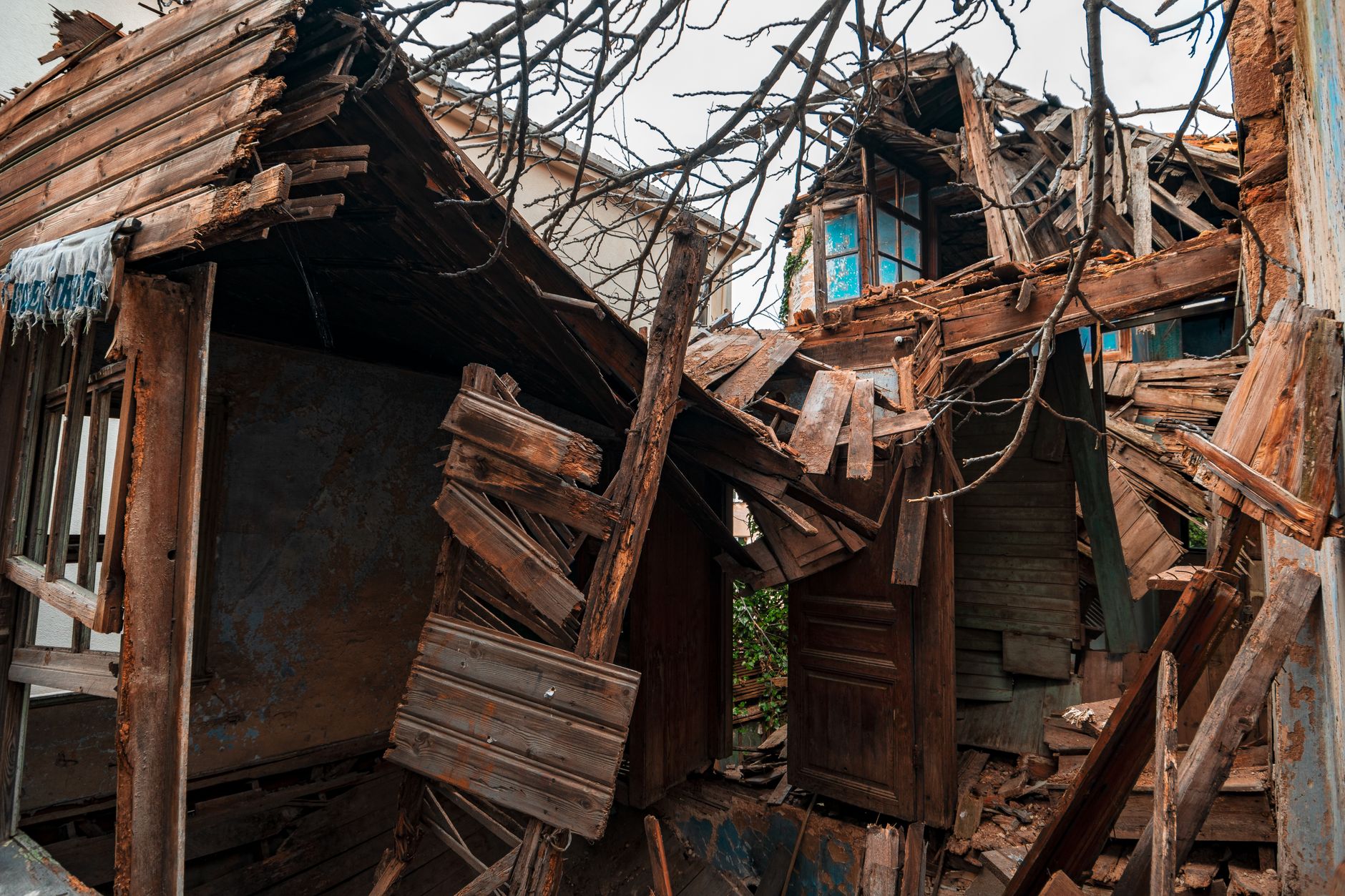
When Cloud Providers Let Your Data Burn: Building Real Disaster Recovery
A recent article making rounds on Hacker News — “The Cloud Is Just Someone Else’s Computer – They Let It Burn” — strikes at something every cloud engineer feels but rarely admits out loud. The piece references real incidents where cloud providers experienced catastrophic failures, including literal fires in data centers, and customers learned the hard way that “high availability” doesn’t mean what they thought it meant.
The uncomfortable truth? Your cloud provider’s SLA protects them, not you. When OVHcloud’s Strasbourg data center caught fire in 2021, or when various AWS availability zones have gone dark, the compensation was typically a few service credits. Your lost revenue, corrupted data, and sleepless nights trying to rebuild? That’s on you.
Let’s turn this wake-up call into something actionable. We’re going to build a real disaster recovery architecture that survives when someone else’s computer — literally — burns down.
Table of Contents
- The Shared Responsibility Model Nobody Reads
- Understanding RPO and RTO: Your Recovery North Star
- Building Multi-Region Resilience in AWS
- Automated Failover That Actually Works
- The Disaster Recovery Test You’re Not Running
The Shared Responsibility Model Nobody Reads
Every cloud provider publishes their shared responsibility model. AWS has a neat diagram. Azure has documentation. Google Cloud has whitepapers. And almost nobody internalizes what it actually means until something breaks.
Here’s the reality: your cloud provider is responsible for the infrastructure — the physical servers, networking, and facilities. You’re responsible for everything that makes your application work: your data, your configurations, your backups, and yes, your disaster recovery strategy. When that data center catches fire, AWS will replace the hardware. Your customer database? That’s your problem.
This isn’t just theoretical handwaving. If you’re looking to formalize your understanding of cloud architecture principles, platforms like Coursera offer specialized courses on cloud resilience and disaster recovery that go deeper into the architectural patterns we’re about to explore.
Understanding RPO and RTO: Your Recovery North Star
Before you architect anything, you need two numbers: Recovery Point Objective (RPO) and Recovery Time Objective (RTO).
RPO answers: “How much data can we afford to lose?” If your RPO is 1 hour, you can tolerate losing up to an hour of transactions. If it’s zero, you need synchronous replication.
RTO answers: “How quickly must we be back online?” An RTO of 4 hours means your business survives a half-day outage. An RTO of 5 minutes means you need hot standby infrastructure running at all times.
These numbers drive everything else. An RPO of 24 hours? Daily snapshots might suffice. An RPO of 5 minutes? You’re looking at continuous replication and probably a significantly higher AWS bill. The architecture follows the requirements, not the other way around.
Building Multi-Region Resilience in AWS
Single-region deployments are a gamble. Multi-AZ deployments protect you from isolated failures within a region, but when an entire region has issues — or when that mythical data center fire happens — you need multi-region architecture.
Let’s build a practical multi-region setup for a stateful application. We’ll use AWS, but the principles apply universally. The core pattern: active-passive deployment with automated database replication.
Primary Region (us-east-1)
# Terraform configuration for primary RDS instance with cross-region replica
resource "aws_db_instance" "primary" {
  identifier              = "app-db-primary"
  engine                  = "postgres"
  instance_class          = "db.r6g.xlarge"
  allocated_storage       = 100
  backup_retention_period = 7
  multi_az                = true

  # Enable automated backups for point-in-time recovery
  backup_window           = "03:00-04:00"
  maintenance_window      = "mon:04:00-mon:05:00"

  # Critical: enable backup replication
  backup_replication_destination = "us-west-2"
}

# Create read replica in secondary region for fast failover
resource "aws_db_instance" "replica" {
  provider             = aws.us-west-2
  identifier           = "app-db-replica"
  replicate_source_db  = aws_db_instance.primary.arn
  instance_class       = "db.r6g.xlarge"
  publicly_accessible  = false
  skip_final_snapshot  = false
}
This configuration gives you continuous replication to a secondary region. Your RPO is measured in seconds (replication lag), and your RTO depends on how quickly you can promote the replica and redirect traffic. For many applications, this hits the sweet spot between cost and resilience.
Application Layer Replication
Database replication is only half the battle. Your application tier, configurations, and infrastructure-as-code must also exist in both regions. Use CI/CD pipelines that deploy to both regions simultaneously. Store your Terraform state in S3 with cross-region replication enabled.
If you’re newer to infrastructure-as-code patterns and want to build stronger foundations in cloud automation, DataCamp provides hands-on courses that cover these deployment patterns with real-world scenarios.
Automated Failover That Actually Works
Manual failover is fine for planned maintenance. When the primary region is on fire (literally or figuratively), manual processes fall apart. You need automation that triggers without human intervention.
Here’s a Route53 health check configuration that automatically fails over to your secondary region:
# Route53 health check monitors primary region endpoint
resource "aws_route53_health_check" "primary" {
  fqdn              = "app.example.com"
  port              = 443
  type              = "HTTPS"
  resource_path     = "/health"
  failure_threshold = 3
  request_interval  = 30

  # Monitor from multiple regions to avoid false positives
  regions = ["us-east-1", "us-west-1", "eu-west-1"]
}

# Failover routing policy with health check
resource "aws_route53_record" "primary" {
  zone_id = aws_route53_zone.main.zone_id
  name    = "app.example.com"
  type    = "A"

  set_identifier = "primary"
  failover_routing_policy {
    type = "PRIMARY"
  }

  alias {
    name                   = aws_lb.primary.dns_name
    zone_id                = aws_lb.primary.zone_id
    evaluate_target_health = true
  }

  health_check_id = aws_route53_health_check.primary.id
}

# Secondary region record takes over automatically on failure
resource "aws_route53_record" "secondary" {
  zone_id = aws_route53_zone.main.zone_id
  name    = "app.example.com"
  type    = "A"

  set_identifier = "secondary"
  failover_routing_policy {
    type = "SECONDARY"
  }

  alias {
    name                   = aws_lb.secondary.dns_name
    zone_id                = aws_lb.secondary.zone_id
    evaluate_target_health = true
  }
}
This setup continuously monitors your primary region from multiple geographic locations. If three consecutive health checks fail, Route53 automatically directs all traffic to your secondary region. No pager, no manual intervention, no 3 AM panic.
The Disaster Recovery Test You’re Not Running
Here’s where most disaster recovery plans fail: they exist only on paper. You’ve got runbooks, Terraform configs, and documented procedures. But have you actually failed over? Have you promoted your read replica to primary? Have you tested whether your application even works when running from the secondary region?
Schedule quarterly disaster recovery drills. Not tabletop exercises — actual failovers. Promote your replica, redirect traffic, run your full test suite against the secondary region. Time how long it takes. Document what broke. Fix those things before the real disaster happens.
The OVHcloud fire taught us that disasters don’t wait for convenient moments. They happen at 12:47 AM on a Wednesday. Your automated systems either work, or they don’t. The time to find out isn’t when the flames are real.
What to Test
- Data integrity: Does your replicated database contain everything it should? Run checksums.
- Application functionality: Do all features work in the secondary region? Some services are region-specific.
- Performance: Is your secondary region sized appropriately for production load?
- Monitoring and alerting: Do your dashboards and alerts work when pointing at secondary infrastructure?
- Third-party integrations: Do payment processors, APIs, and external services work from the new region?
Document every failure. Each quarterly test should uncover fewer issues than the last. When you can execute a full regional failover in under 30 minutes with zero surprises, you’ve actually achieved disaster recovery readiness.
The Real Cost of Someone Else’s Computer
The cloud promised us infinite scalability and high availability. What it delivered was a powerful platform with the same shared responsibility we’ve always had in infrastructure — just with different blast radiuses. When physical hardware fails, whether through fire, flood, or misconfigured BGP routes, your application’s survival depends on decisions you made months ago.
Multi-region architecture isn’t cheap. You’re paying for duplicate infrastructure, cross-region data transfer, and the complexity of managing distributed systems. But compared to the cost of extended downtime — lost revenue, damaged reputation, potential regulatory penalties — it’s often the only rational choice for production systems.
The article that sparked this discussion got one thing exactly right: the cloud is just someone else’s computer. They maintain it, they protect the physical infrastructure, but your data and your uptime? That responsibility never left your hands. Build accordingly.
Master Cloud Resilience Before Disaster Strikes
Learn to architect bulletproof multi-region systems with expert-led courses covering disaster recovery patterns, automated failover, and the resilience strategies that survive real-world catastrophes.