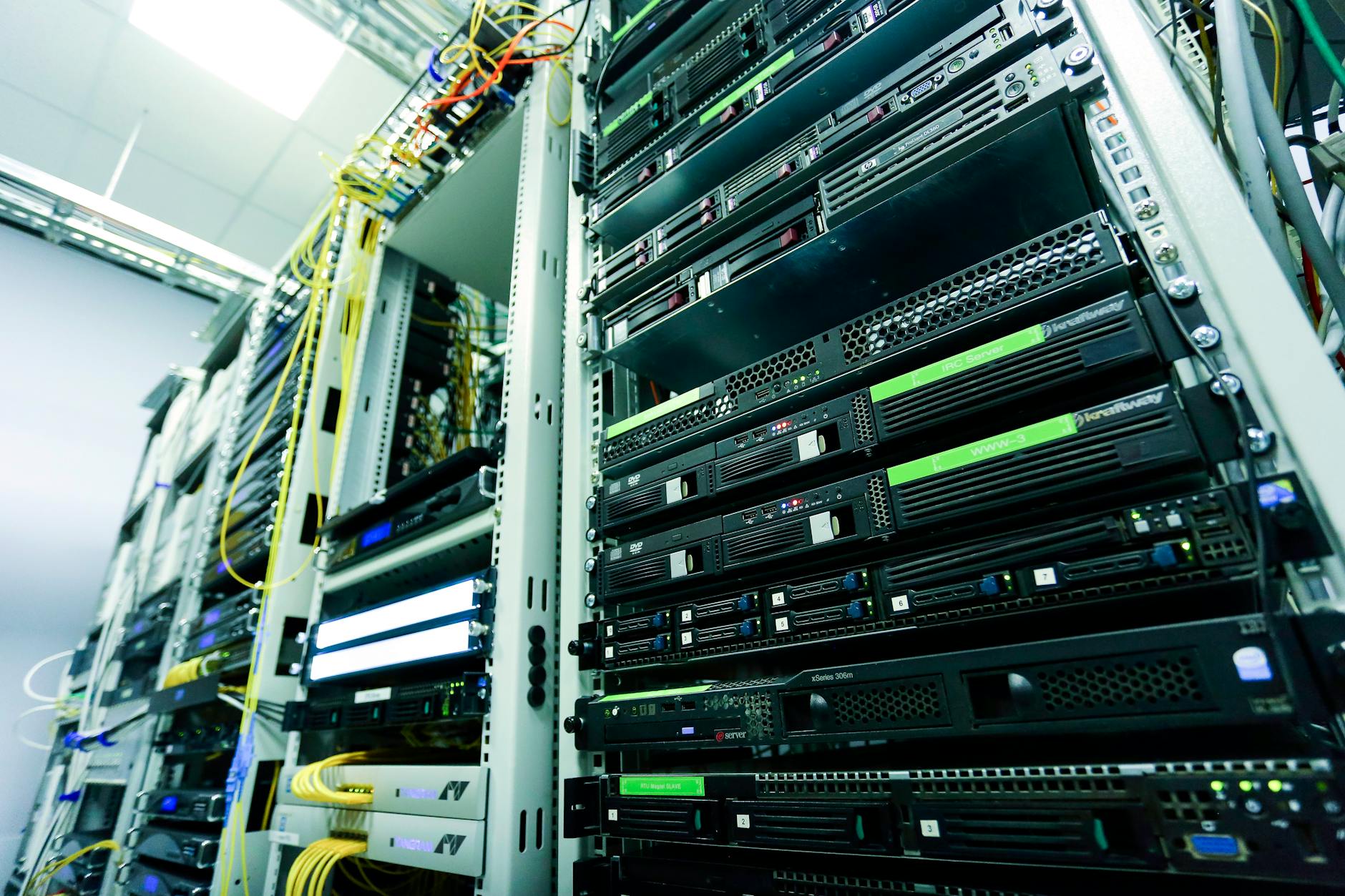
How to Document Your IT Infrastructure Properly
Proper IT infrastructure documentation is the backbone of efficient system management, troubleshooting, and long-term maintenance. Whether you’re managing a small business network or an enterprise data center, having comprehensive and up-to-date documentation can save countless hours during emergencies and prevent costly mistakes during routine maintenance.
In this comprehensive guide, you’ll learn the essential components of IT infrastructure documentation, practical methods to create and maintain your records, and the tools that can streamline the entire process.
Table of Contents
- Why IT Infrastructure Documentation Matters
- Core Components of IT Documentation
- Creating Effective Network Diagrams
- Hardware and Asset Inventory
- Configuration and Standards Documentation
- Security and Access Documentation
- Maintenance and Procedure Documentation
- Best Practices for Maintaining Documentation
- Tools and Resources
Why IT Infrastructure Documentation Matters
Imagine troubleshooting a critical network outage at 2 AM without any documentation about your network topology, server configurations, or vendor contacts. This nightmare scenario plays out in organizations worldwide, costing businesses thousands of dollars in downtime and lost productivity.
Proper documentation serves multiple critical purposes:
- Faster troubleshooting: Quickly identify dependencies and potential failure points
- Reduced downtime: Access critical information immediately during emergencies
- Knowledge preservation: Protect organizational knowledge when team members leave
- Compliance requirements: Meet regulatory standards and audit requirements
- Improved planning: Make informed decisions about upgrades and expansions
- Onboarding efficiency: Help new team members understand systems quickly
Core Components of IT Documentation
Comprehensive IT infrastructure documentation should include several key elements that work together to provide a complete picture of your environment.
Network Architecture
Your network architecture documentation should detail how all network components connect and communicate. This includes physical and logical network layouts, IP addressing schemes, VLAN configurations, and routing protocols. Start with high-level diagrams showing major network segments, then create detailed diagrams for each segment.
Server and Application Inventory
Maintain detailed records of every server, including physical location, hardware specifications, operating system versions, installed applications, and their specific purposes. Document interdependencies between servers and applications to understand the impact of potential failures.
Configuration Files
Store backup copies of all critical configuration files in a secure, version-controlled repository. This includes router and switch configurations, firewall rulesets, DNS zone files, and application configuration files. Regular backups of these configurations can be lifesavers during recovery scenarios.
Creating Effective Network Diagrams
Network diagrams are the visual foundation of your infrastructure documentation. A well-designed diagram communicates complex information quickly and clearly.
Physical Network Diagrams
Physical diagrams show the actual physical connections between devices, including cable types, rack locations, and patch panel assignments. Include details such as:
- Device locations in server rooms or data centers
- Cable types and lengths
- Port numbers and connections
- Power supply information
- Serial numbers and model information
Logical Network Diagrams
Logical diagrams represent how data flows through your network, showing IP addresses, subnets, VLANs, routing protocols, and security zones. These diagrams help with troubleshooting connectivity issues and planning network changes.
For professionals looking to enhance their network documentation skills, Coursera offers specialized courses in network architecture and system administration that cover documentation best practices in depth.
Hardware and Asset Inventory
A comprehensive hardware inventory provides essential information for budgeting, warranty management, and capacity planning. Your inventory should include:
- Asset tags: Unique identifiers for tracking
- Purchase information: Date, vendor, cost, and warranty details
- Technical specifications: CPU, RAM, storage, network interfaces
- Physical location: Building, room, rack position
- Status: Production, development, staging, or decommissioned
- Assigned personnel: Who is responsible for maintenance
Create a standardized spreadsheet or database template that captures all essential information. Update this inventory during every hardware change, including additions, removals, and modifications.
Configuration and Standards Documentation
Establishing and documenting configuration standards ensures consistency across your infrastructure. This reduces errors and makes troubleshooting more straightforward.
Naming Conventions
Document your naming conventions for servers, network devices, VLANs, and other infrastructure components. For example:
- Servers: [location]-[function]-[number] (e.g., NYC-WEB-01)
- Network devices: [type]-[location]-[number] (e.g., SW-FLOOR2-03)
- VLANs: Use descriptive names that indicate purpose (e.g., VLAN10-MGMT)
IP Addressing Schemes
Document your IP addressing plan thoroughly, including subnet allocations, DHCP ranges, and reserved addresses. This prevents IP conflicts and makes network expansion easier.
Security and Access Documentation
Security documentation is critical for maintaining your infrastructure’s integrity while ensuring authorized personnel can access systems when needed.
Access Control Lists
Maintain detailed records of who has access to what systems and at what privilege level. Include both physical and logical access controls. Review and update these lists regularly during employee onboarding and offboarding.
Password Management
Document password policies and use a secure password management system for storing credentials. Never store passwords in plain text. Include information about password rotation schedules and complexity requirements.
Security Policies and Procedures
Document your security policies, including firewall rules, VPN configurations, authentication methods, and incident response procedures. These documents guide both daily operations and emergency responses.
Maintenance and Procedure Documentation
Standard operating procedures (SOPs) ensure that routine tasks are performed consistently and correctly, regardless of who performs them.
Routine Maintenance Procedures
Create step-by-step guides for common maintenance tasks such as:
- Server patching and updates
- Backup verification
- Log review procedures
- Performance monitoring tasks
- Hardware health checks
Emergency Procedures
Document disaster recovery and business continuity procedures in detail. Include contact information for vendors, emergency personnel, and key stakeholders. Test these procedures regularly and update documentation based on lessons learned.
Change Management Process
Establish and document a formal change management process. Every infrastructure change should be documented with details about what changed, why, when, and who approved and implemented the change.
Best Practices for Maintaining Documentation
Creating documentation is only half the battle; keeping it current and accessible is equally important.
Version Control
Use version control systems to track changes to your documentation over time. This allows you to see what changed, when, and by whom. Git repositories work well for text-based documentation, while dedicated documentation platforms offer built-in versioning.
Regular Review Cycles
Schedule quarterly reviews of all documentation to ensure accuracy. Assign specific team members responsibility for different documentation sections. During reviews, verify that information is current and remove or archive outdated content.
Accessibility and Security Balance
Documentation must be easily accessible to authorized personnel while remaining secure from unauthorized access. Use role-based access controls and ensure that critical documentation is available even during system outages through offline backups.
Standardized Templates
Create standardized templates for different documentation types. This ensures consistency and makes documentation easier to create and update. Templates also ensure that critical information isn’t accidentally omitted.
Tools and Resources
The right tools can significantly streamline your documentation efforts and make maintenance more manageable.
Diagramming Tools
Professional network diagramming tools like Microsoft Visio, Lucidchart, or Draw.io help create clear, professional diagrams. These tools offer network-specific shapes and templates that speed up diagram creation.
Documentation Platforms
Wiki platforms like Confluence, DokuWiki, or BookStack provide searchable, organized spaces for documentation. These platforms support collaboration, version control, and linking between related documents.
Asset Management Systems
Dedicated IT asset management (ITAM) software automates inventory tracking and provides reporting capabilities. These systems can integrate with discovery tools to automatically update inventory information.
Infrastructure as Code
For cloud and virtualized environments, Infrastructure as Code (IaC) tools like Terraform, Ansible, or CloudFormation serve as self-documenting configuration management. The code itself becomes documentation of your infrastructure’s desired state.
If you’re building or expanding your infrastructure and need reliable hosting solutions for testing documentation tools or running management systems, Kamatera offers flexible cloud infrastructure with scalable resources perfect for IT management applications.
Configuration Management Databases
A Configuration Management Database (CMDB) provides a centralized repository for configuration items and their relationships. CMDBs integrate with monitoring, ticketing, and change management systems to provide comprehensive infrastructure visibility.
Moving Forward with Documentation
Documenting your IT infrastructure properly is an ongoing commitment that pays dividends in reduced downtime, improved efficiency, and better decision-making. Start with the most critical components of your infrastructure and expand your documentation systematically.
Remember that perfect documentation is the enemy of good documentation. It’s better to have basic documentation that’s kept current than comprehensive documentation that becomes outdated immediately. Begin with the fundamentals, establish regular maintenance routines, and continuously improve your documentation practices.
By implementing the strategies and best practices outlined in this guide, you’ll create a robust documentation framework that serves your organization’s needs today and scales with your infrastructure growth tomorrow. The investment in proper documentation will prove invaluable during emergencies, audits, and as your team and infrastructure evolve.
Follow Networkyy
Join 125,000+ IT professionals: